Creating Time Based PM Plan Templates
To create a Time-Based PM Plan Template:
1. Go to ServiceMax Setup > Installed Base, Preventive Maintenance and Field Change Orders > PM Plan Templates. The PM Plan Templates landing page is displayed.
2. Click New. The New Preventive Maintenance Plan Template wizard is displayed with the Criteria step.
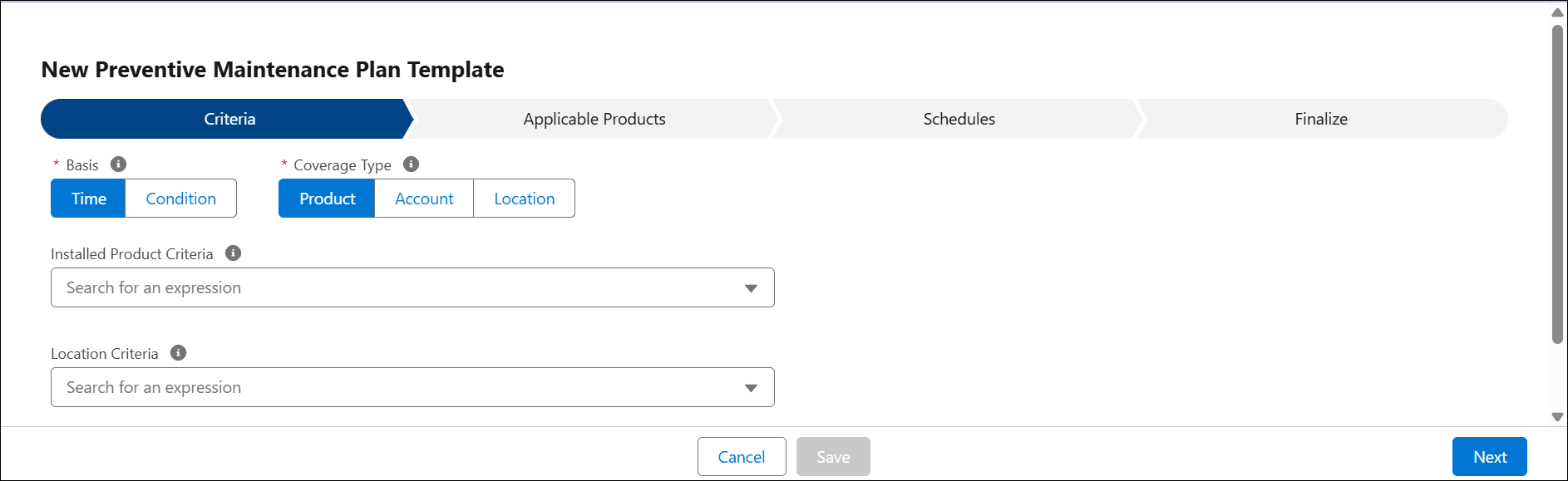
 |
Ensure that you set up the Task Template or Work Plan prior to setting up your PM template.
|
3. Configure the fields in the following tabs:
◦ Criteria
◦ Finalize
4. Click Save.
Related Topics