General Information Tab
To configure the General Information tab:
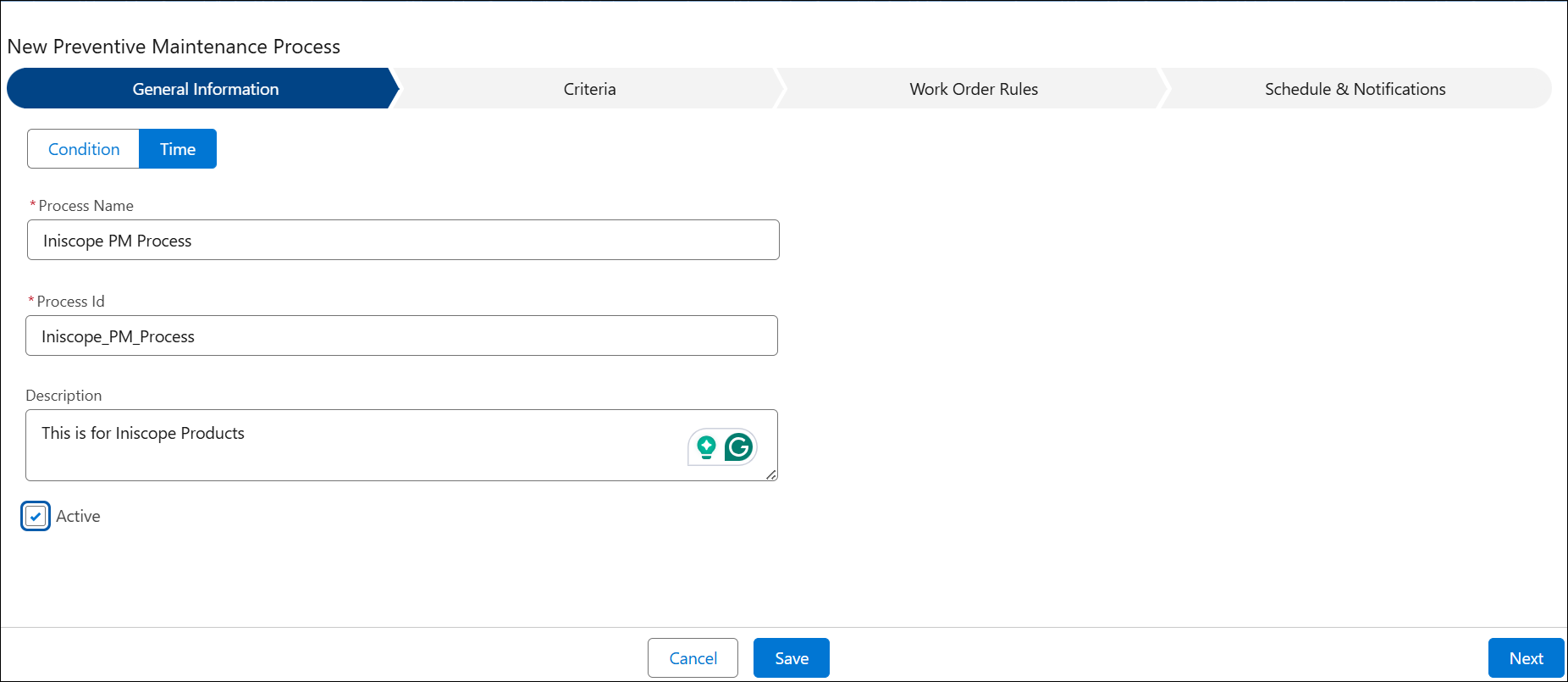
2. Select either the Time or Condition process type.
 |
This field will be locked after you select the appropriate process type and save the PM Process.
|
3. Configure the fields as described in the following table:
|
Field
|
Description
|
||
|---|---|---|---|
|
Process Name
|
Enter the Process Name for the PM Process.
|
||
|
Process ID
|
Enter the Process ID for the custom PM Process.
|
||
|
Description
|
Enter the Description for the custom PM Process.
|
||
|
Active
|
Select this checkbox to activate the PM Process.
|
4. Click Next to proceed with the PM Process configuration.
Related Topics
• Finalize Tab