Creating a PM Process
To create a PM process:
1. Go to ServiceMax Setup > Installed Base, Preventive Maintenance and Field Change Orders > PM Process. The PM Process page is displayed.
2. Click New Process.
The PM Process wizard is launched with the General Information tab.
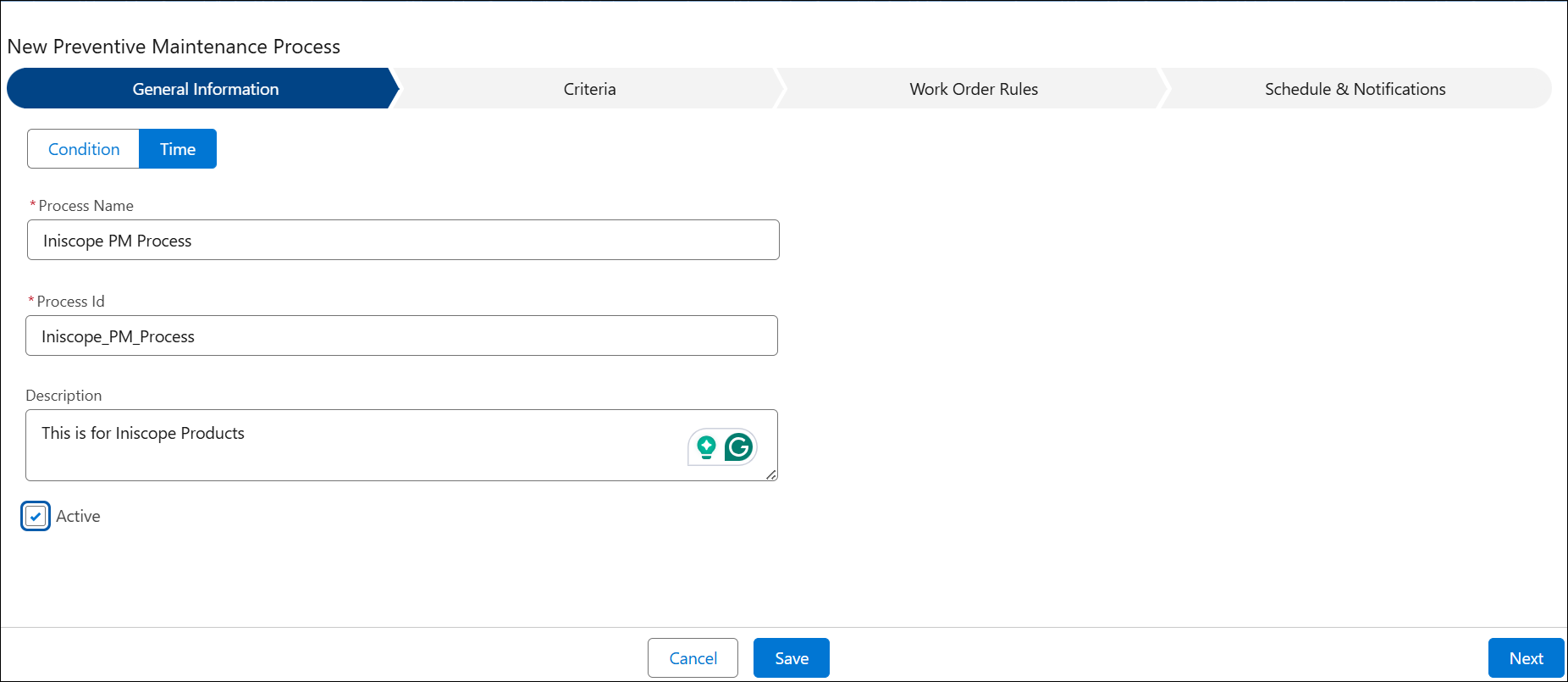
3. In the General Information tab, select the process type to specify whether it is Time-Based Preventive Maintenance or Condition-Based Preventive Maintenance.
 |
The Basis field will be locked after you select the Basis field’s value and save the PM Process.
|
4. Enter details in the following tabs:
5. Click Save.
|
|
For Basic PM engine, the Time-Based PM logs are optimized to include only valid schedule information. It reduces PM process time tremendously.
|