Runtime Execution of AI Actions
After saving the SFA configuration, ServiceMax AI begins execution.
When a record is created or updated (for example, a Work Order), the Work Order trigger initiates an event. A subscriber trigger analyses this event and checks the following:
• Whether the updated field belongs to the field set defined in Field Sets.
• Whether an SFA with an AI Action exists for the object.
• Whether the SFA qualifies for the current user and record.
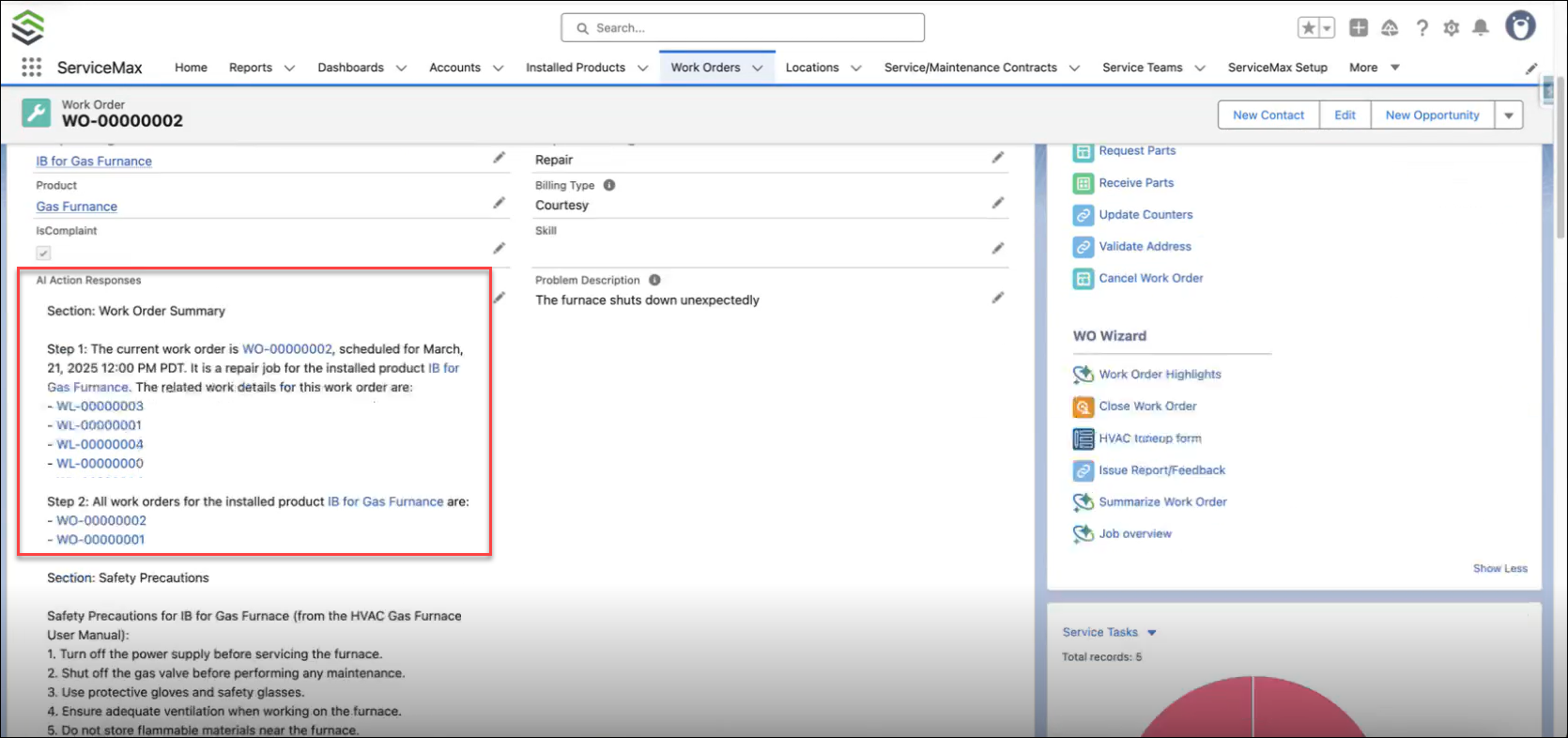
If the SFA qualifies, a request is sent to the AI Gateway using the user credentials configured in Configuring Service Flow Automation for Automated AI Actions. The AI then updates the response to the field specified in the SFA configuration.
 |
An error message is displayed if you do not have permission to view these fields.
|
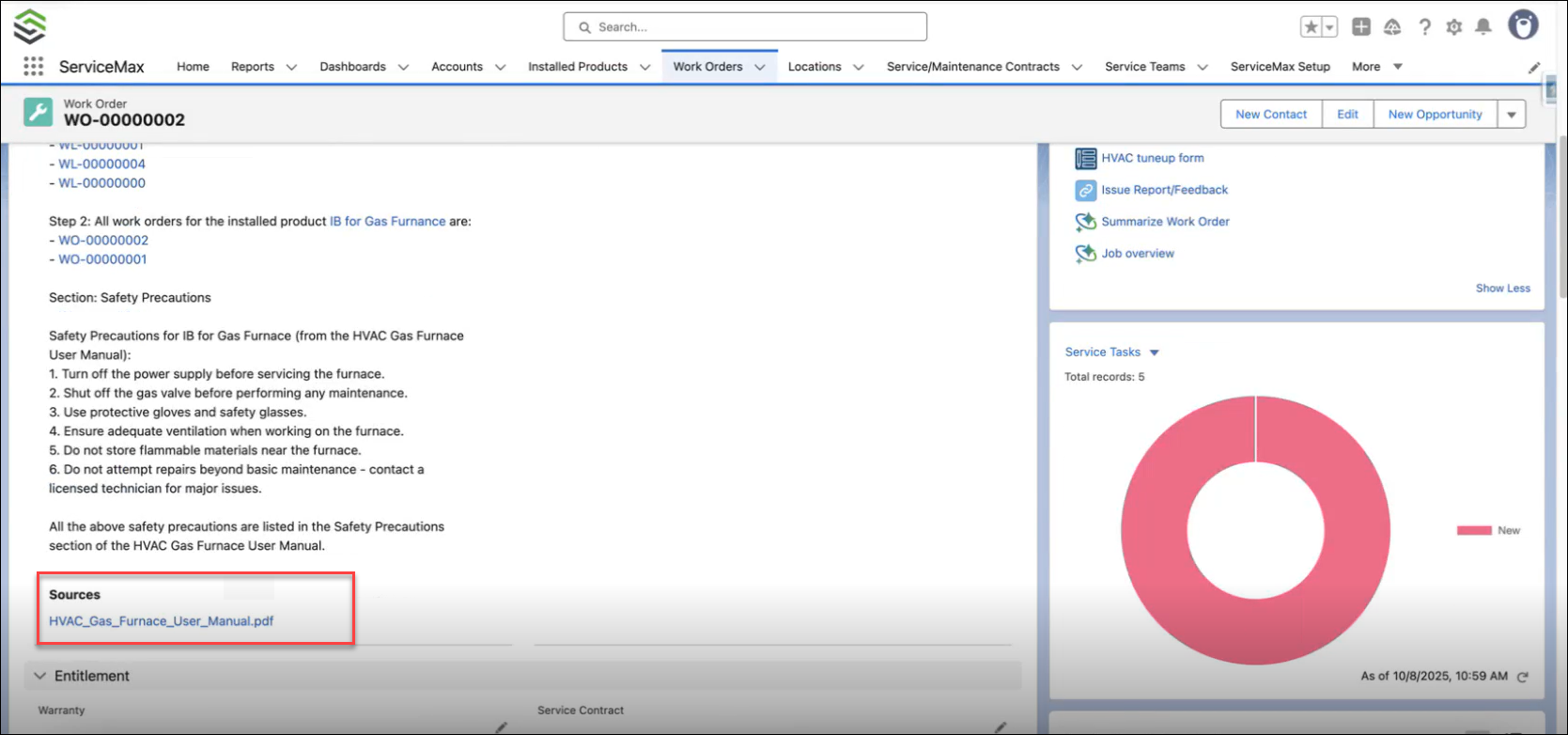
The AI Action Responses field also lists if there are Knowledge Access agents used; this includes the source links to these documents. Users can view document names and click each link to open the document in a new browser tab on its original platform, requiring authentication if necessary. Both the Salesforce and ServiceMax record links and KA document source links are supported only for Rich Text fields.