Installing AI Agent Skills
 |
This feature is currently available as a beta release.
|
AI agent skills are reusable logic units or code snippets that let AI agents perform specific, high-value tasks, such as complex calculations or answering queries. ServiceMax administrators can install these skills to automate calculations, data analysis, and routine operations. These skills can be added to automated workflows and used by AI agents through AI actions.
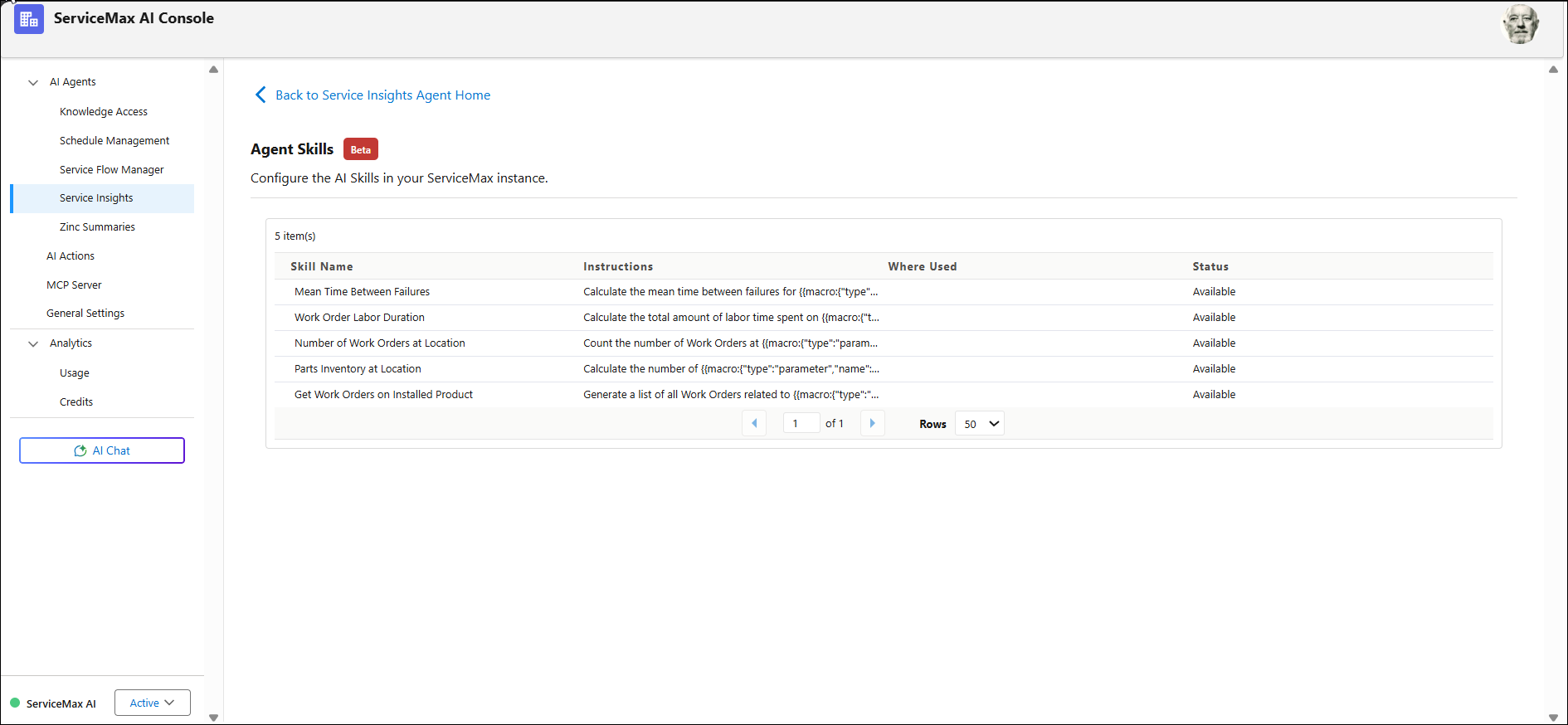
The following list represents the out-of-the-box (OOTB) agent skills that can be installed to use in AI actions:
• Mean Time Between Failures
• Work Order Labour Duration
• Number of Work Orders at Location
• Parts Inventory at Location
• List Part Work Orders on Installed Product
|
|
The OOTB agent skills provided are intended as examples or sample skills. They are not intended for use in real-world production environments and may not work for actual business needs. The ability to create and edit your own custom agent skills is planned for a future release.
|
To install AI Agent Skill, perform the following steps.
2. On the sidebar, select > .
The Agent Skills page displays the Getting Started information on Agent Skills.
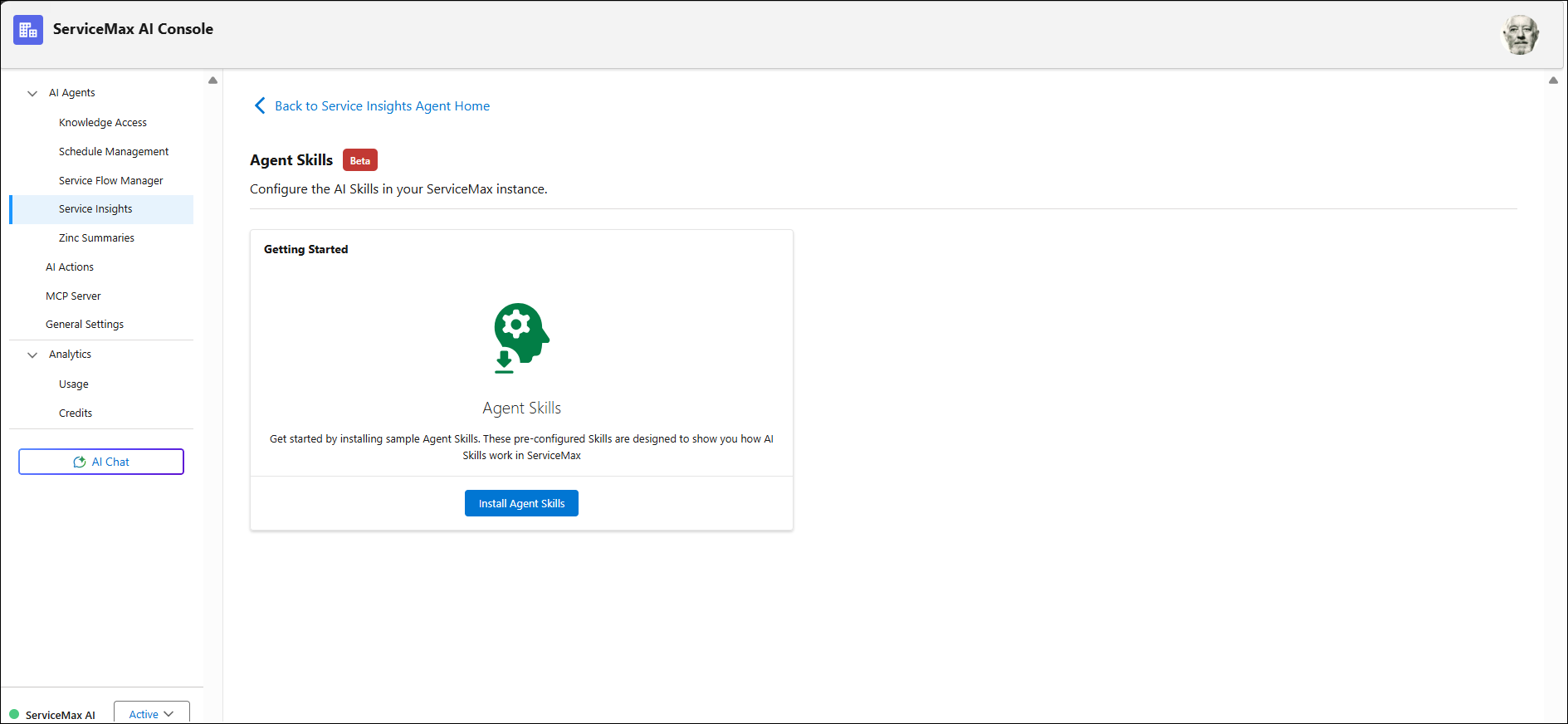
3. Click Install Agent Skills.
A list of pre-configured AI Agent Skills is displayed on successful installation.