Modifying the Purpose of Visit for a Schedule Output Line
In the Schedule stage of a Condition-Based PM Plan Template, you can modify the Purpose of Visit for each Schedule Output line in the generated Forecast Schedule. By default, all milestones use the Default Purpose of Visit (Work Plan or Task Template). To customize visits, override this default by assigning specific Work Plans or Task Templates to individual output lines, enhancing flexibility, accuracy, and efficiency.
To modify the Purpose of Visit for a scheduled output line:
1. In the New Preventive Maintenance Plan Template wizard, go to the Schedules stage.
2. Under the Condition Rules, click Add Rule and define condition(s) using various attributes based on your requirements. For more information, see Adding a Condition Rule.
3. In the Forecast Schedule section, select the appropriate Work Plan or Task Template in the Default Purpose of Visit and click Refresh.
The Forecast Schedule is generated with the list of Schedule Output lines based on defined conditions. The Default Purpose of Visit is applied to all output lines.
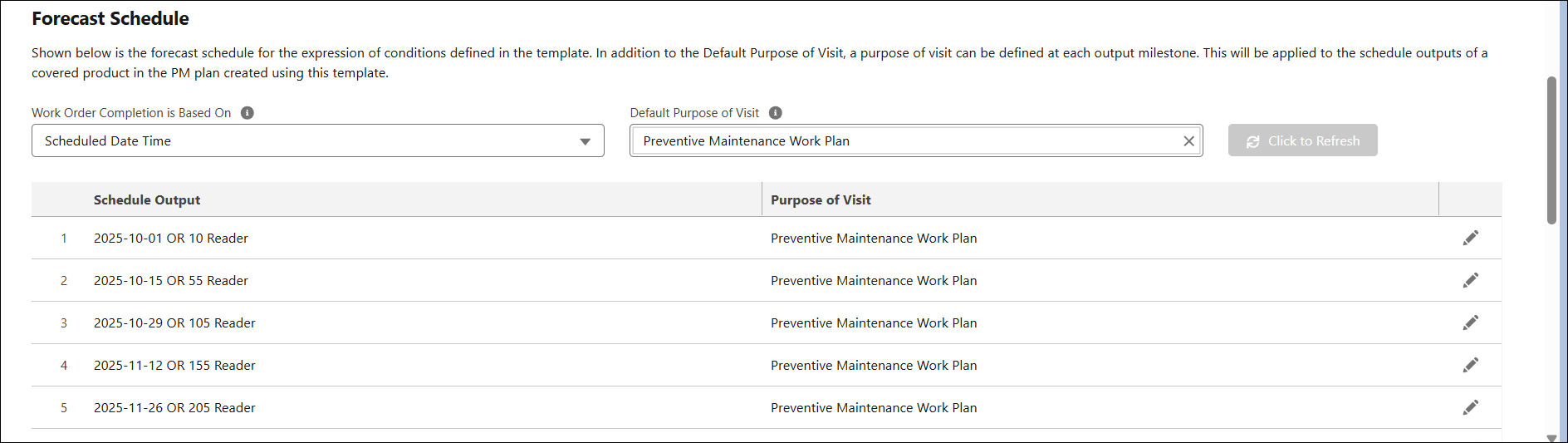
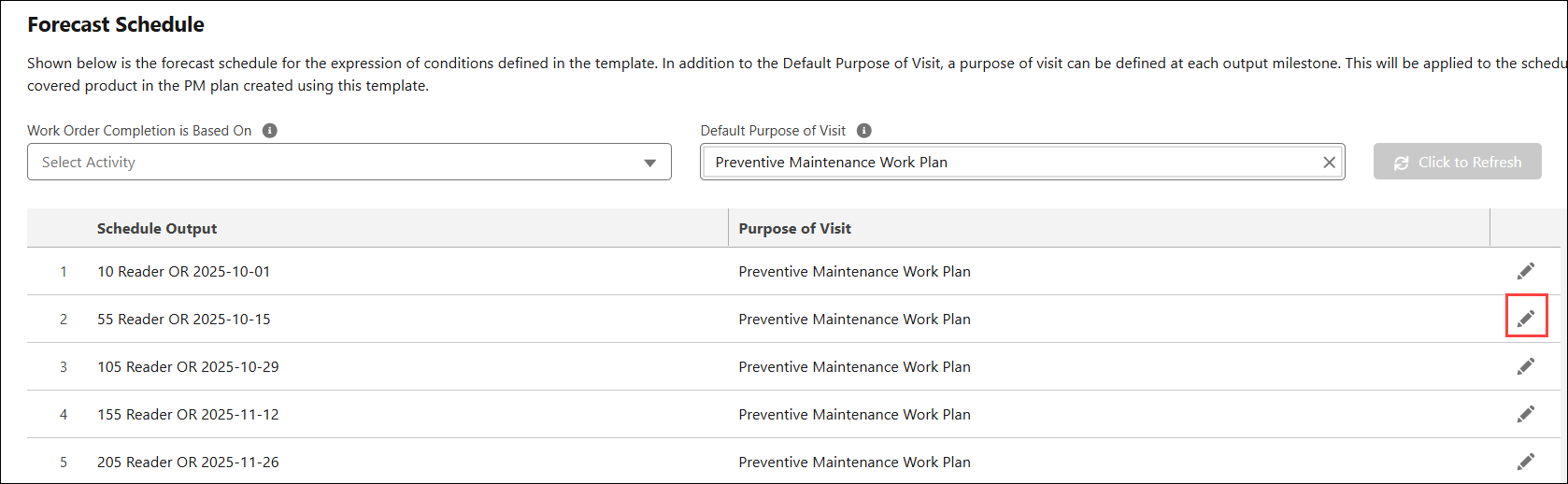
4. To change the Purpose of Visit for a Schedule Output line, click the Edit icon next to the Schedule Output line.
The Select Purpose of Visit pop-up window is displayed.
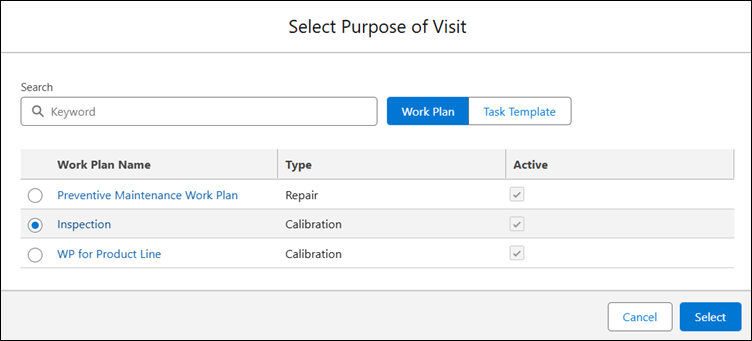
5. Search for and select the required Work Plan or Task Template.
6. Click Select.
The specified Work Plan or Task Template is assigned to the Schedule Output line.
 |
• If you change the Purpose of Visit type from Work Plan to Task Template (or vice versa) in the Default Purpose of Visit or at an individual output line, the Purpose of Visit selections from other Schedule Outputs are removed. You must reassign them. A Template can only have one type of Purpose of Visit and cannot have a combination of Work Plans and Task Templates.
• If you modify existing condition rules or advanced expressions, the Forecast Schedule is grayed out. You must click Refresh to regenerate Schedule Outputs.
• If you change the Default Purpose of Visit, the Purpose of Visit assignments at individual Schedule Output level are reset, and the Default Purpose of Visit is applied to all outputs.
|
Purpose of Visit Mapping in PM Plans
If end users create a PM Plan utilizing this template, the Purpose of Visit defined in the Schedule Output line of the template is automatically mapped to the Schedule Output line of the PM Plan. In the PM Plan, you can also modify the Purpose of Visit for individual Schedule Output lines based on your requirements. For more information, see Modifying the Purpose of Visit on a Schedule Output Line within the Milestone Schedule.
Related Topics