Modifying Condition Rules
To modify a condition rule for a coverage in a Condition-Based PM Plan:
1. In the New Condition-Based PM Plan wizard, go to the Schedules tab. For more information, see Creating Condition-Based PM Plans.
The configured rules are auto-populated based on the PM Plan template and assigned to each coverage line for the Plan.
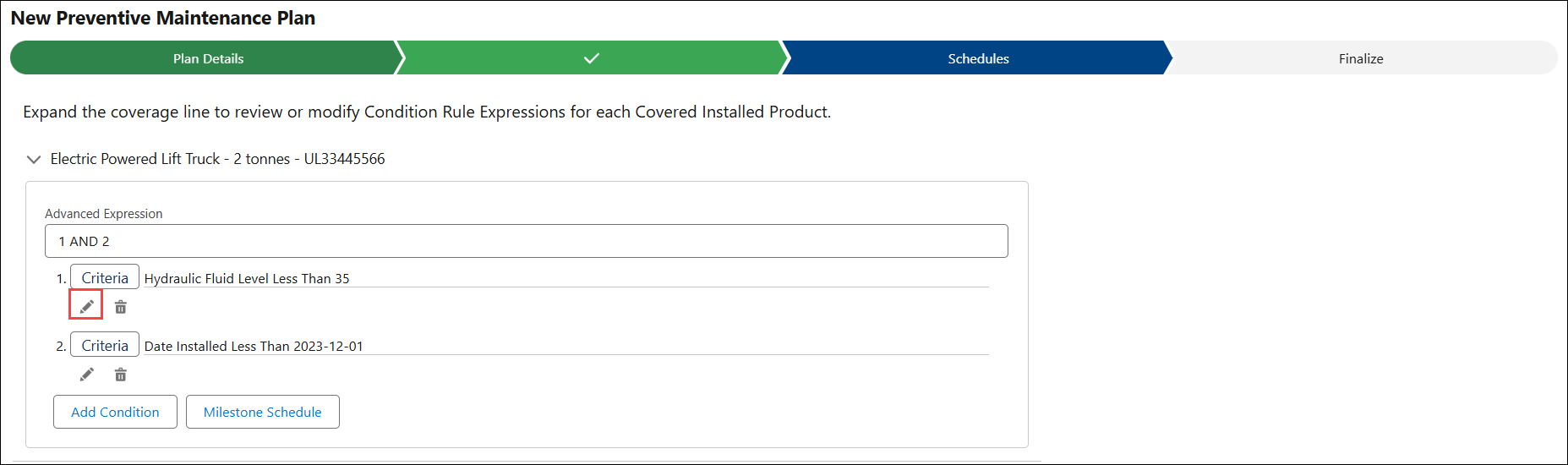
2. Expand a coverage line to view the associated condition rules and advanced expressions.
3. Click Edit icon for a rule you want to modify.
The Condition Rule pop-up window is displayed.
4. Modify the rule based on your requirements. For more information defining a rule, see Adding a Condition Rule.
5. Click Save.