Editing a Technical Attribute
To edit a Technical Attribute:
The list of technical attributes added to the section is displayed. For more information on adding technical attributes, see Adding Technical Attributes.
2. Click the Attribute Name you want to edit, or click drop-down next to the Attribute and select Edit.
The Edit Attribute pop-up window is displayed.
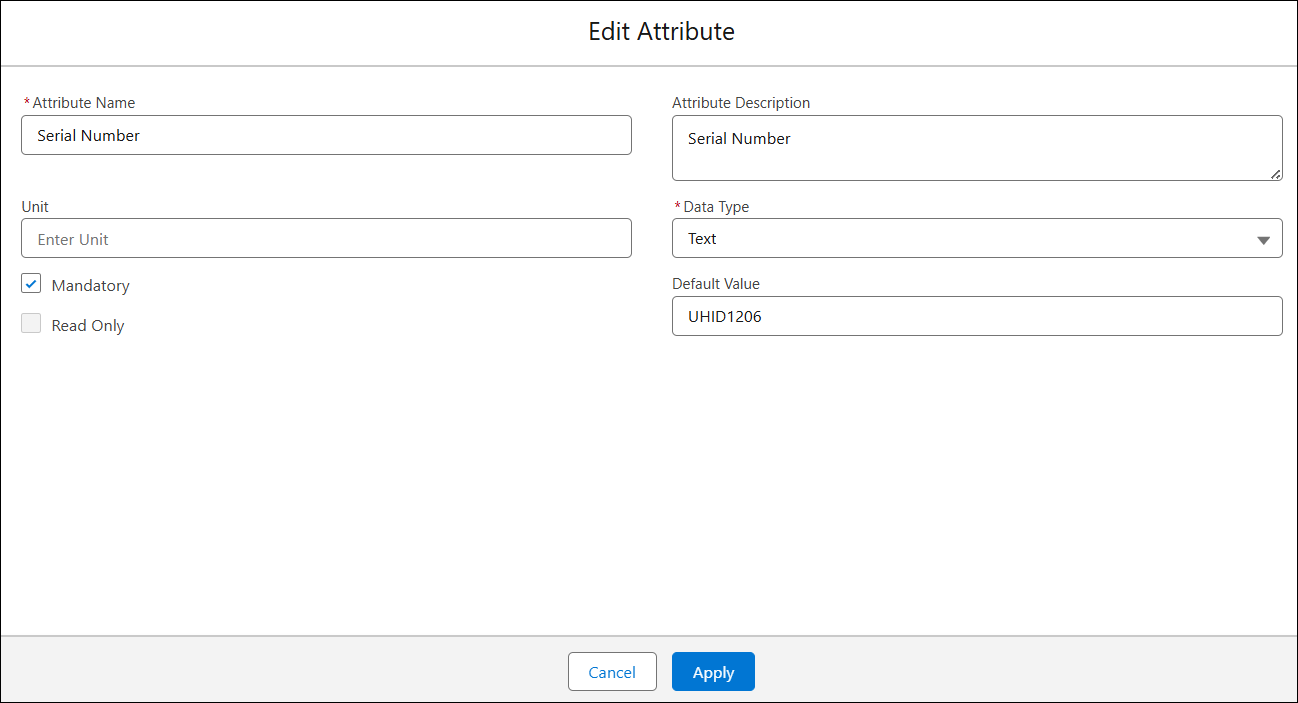
3. Modify the required fields.
4. Click Apply.