Managing Data Sources
You can perform the following actions while managing the data sources for ServiceMax AI. These options help you to manage the data sources easily.
• You can search for the fields using the Search bar. For example, if you want to add Date fields in many objects as a data source, enter Date in the Search bar. All the fields that have Date as part of the field name are displayed. Now, make the appropriate selections.
• You can choose to view all the fields or only the selected fields by selecting the relevant option in the dropdown menu.
• You can remove any object from the data sources list. To remove an object, click the Delete icon on the object row.
A confirmation message is displayed. If the object you have selected to remove has referenced objects, those objects are also removed.
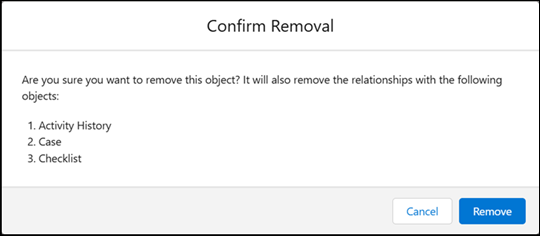
Click Remove to remove the object as a data source.