Modifying Crews
After you create Crews, you can modify their details at any time.
To modify Crews:
1. In the Crew Manager tab, in the Crew Calendar, in the Crew List, select a Crew, and then in the context menu ( ), click Edit Crew.
), click Edit Crew.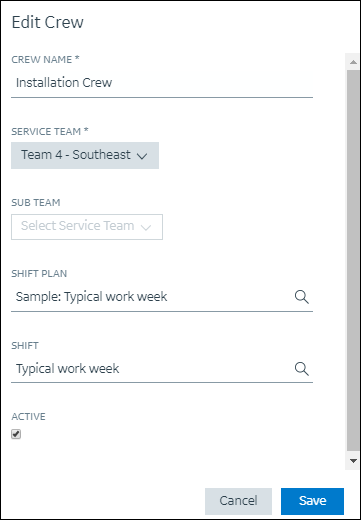
2. Update the fields as needed, and then click Save.
For more information: