Viewing Crew Resource Details
While you use the search features to locate Resources, you may find it helpful to view Resource details. In the View Resource dialog box, you can view the following information:
• Resource Type
• Shift
• Shift Plan
• Service Team
• Current Location
• Default Location
• Qualifications
To view Crew Resource details:
• In the Crew Manager tab, in the Crew Resource List or in search results, select a Crew Resource, and then on the context menu ( ), click View Resource.
), click View Resource.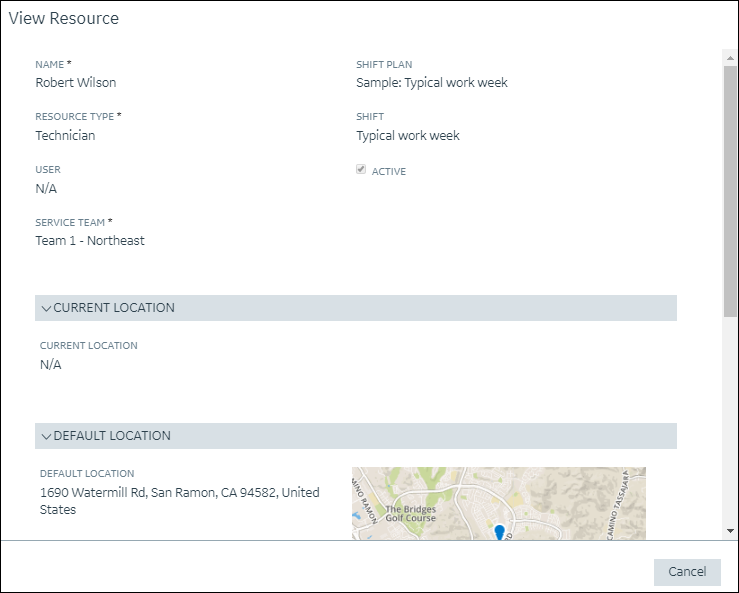
For more information: