3D Audio
 |
Available only in 3D Eyewear projects.
|
What Does This Widget Do?
The 3D Audio widget allows you to play audio files within a 3D Eyewear experience. Supported file formats include:
• .wav
• .mp3
|
|
The audio can not be played in Preview. To listen to the audio, you must publish the experience and view it on your HoloLens.
|
When Should I Use This Widget?
Use an 3D Audio widget when:
• You want to include audio in your experience.
• An experience requires a user to complete a task using both hands. For example, if a service technician is changing the oil on a generator, they could play audio of the procedure instead of having to read it on the device, or flip through a paper manual.
Are There Any Special Properties, Services, Events, or Actions?
To view a list of common widget properties, services, and events, see Common Widget Properties, Services, and Events.
The following tables list properties, services, and events that are specific to this widget.
|
Property
|
Description
|
||
|---|---|---|---|
|
Audio Source
|
To include audio, you can do one of the following:
• Click
 next to the field to add a new audio file. next to the field to add a new audio file.• Enter or copy and paste an audio URL directly into the field.
• Select an audio file from the drop-down menu.
|
||
|
Button Color
|
Select the color of the buttons. For more information, see Color Picker.
|
||
|
Panel Color
|
Select the color of the panel. For more information, see Color Picker.
|
||
|
Preload
|
Choose whether or not the audio is preloaded.
|
||
|
Playing
|
Indicates whether the audio is playing.
|
||
|
Tagalong
|
Makes widgets stay within your frontline view and ensures that they are placed in a convenient location in the environment.
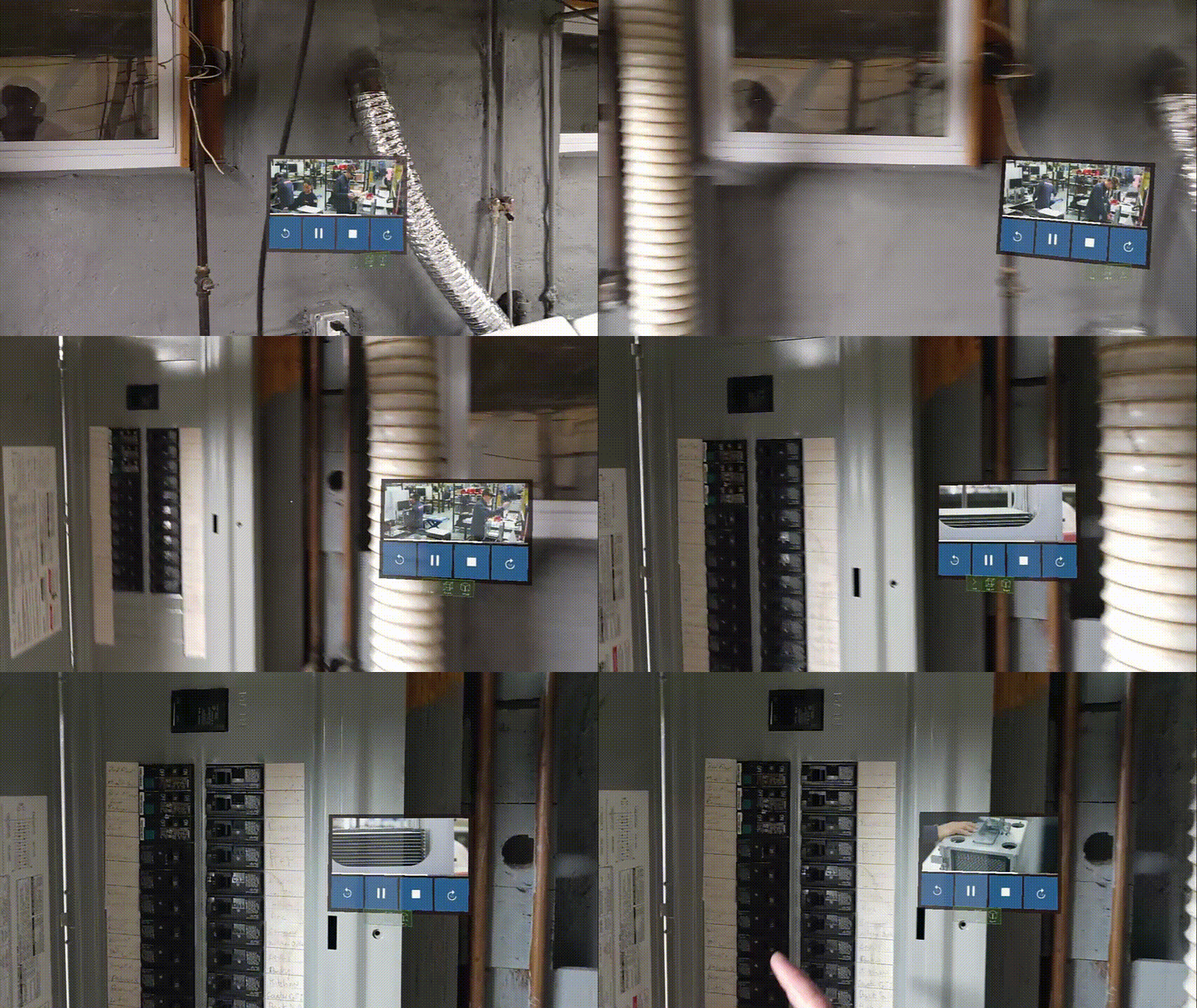
Users can also pin and unpin the 3D audio when viewing an experience using the pin icon:
 This allows individual users viewing an experience to change the Tagalong property.
|
|
|
The bindable properties listed below are only displayed on the Select Binding Target window when binding a property to the 3D Audio widget. For example, if you drag and drop the Pressed property of a 3D Checkbox widget onto the 3D Audio widget, the Select Binding Target window appears and the three properties below are available to select to bind to the panel.
|
|
Bindable Property
|
Description
|
|---|---|
|
Offset X (m)
|
Offset of the panel from the user on the X axis (in meters).
|
|
Offset Z (m)
|
Offset of the panel from the user on the Z axis (in meters).
|
|
Snap distance (m)
|
The distance at which the 3D Video panel will start to move if the user exceeds this distance if Tagalong is selected (in meters).
|
|
Service
|
Description
|
|---|---|
|
Play
|
Bindable service that plays audio.
|
|
Pause
|
Bindable service that pauses the audio.
|
|
Stop
|
Bindable service that stops the audio.
|
|
Skip Ahead
|
Bindable service that skips ahead.
|
|
Skip Back
|
Bindable service that skips back.
|
|
Event
|
Description
|
|---|---|
|
Play Started
|
Triggered when the audio begins.
|
|
Play Paused
|
Triggered when the audio is paused.
|
|
Play Ended
|
Triggered when the audio ends.
|
The Widget in Action
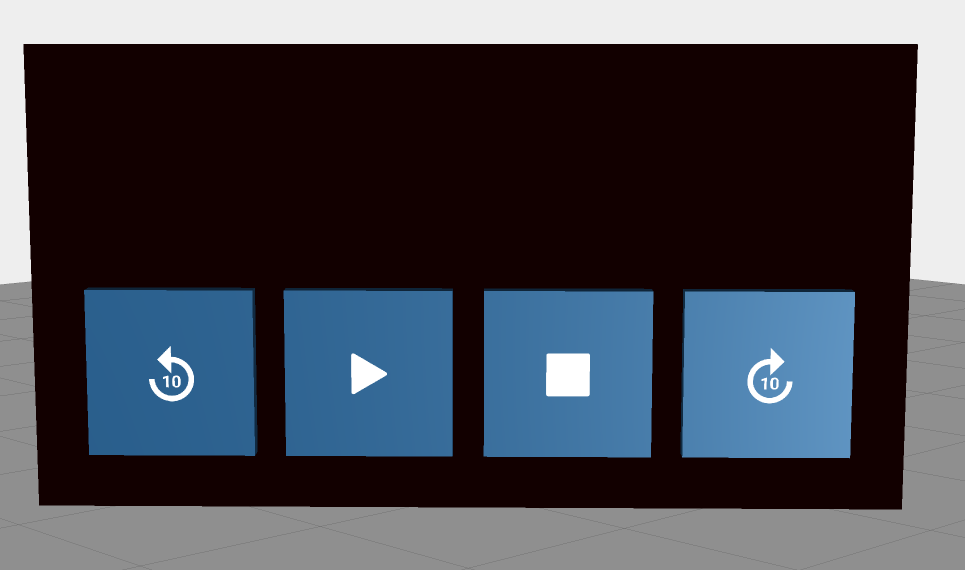
Here’s an example of what your widget might look like!
|
Minimum Steps Required for Use
|
What It Looks Like
|
||
|---|---|---|---|
|
1. Drag and drop an 3D Audio widget onto the canvas.
2. Select or add an audio resource in the Audio Source field.
|
 |