Configuring Recommended Resource Grouping
The Group Recommended Resources setting is used to configure whether recommended Resources are grouped by Service Teams or Territories in the Recommended Resources list view.
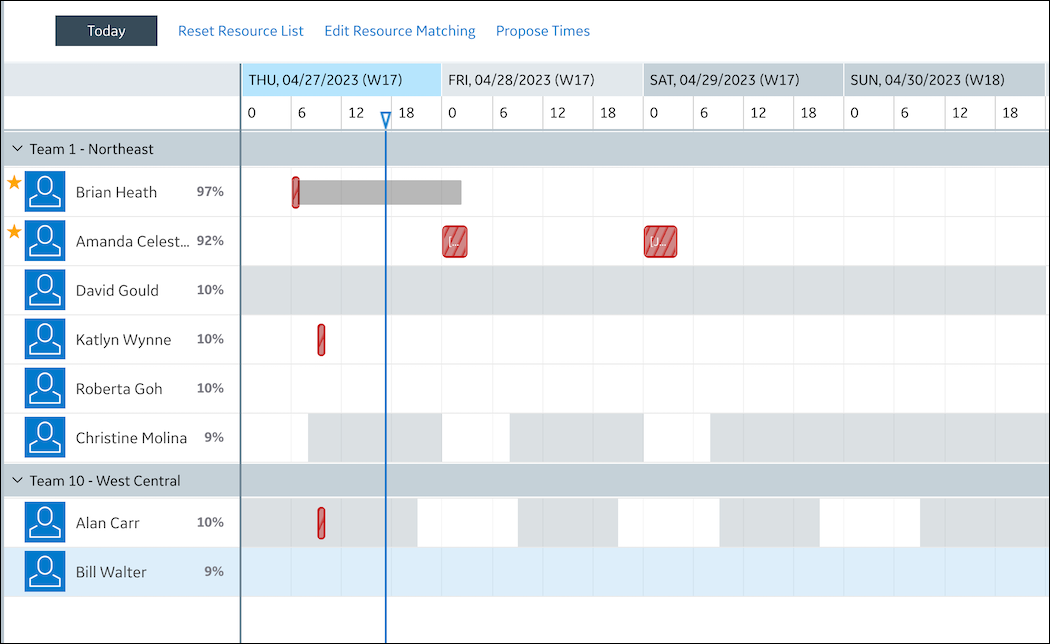
When enabled, recommended Resources are grouped by Service Teams or Territories. Within each group, by default, starred Resources appear at the top of the list. Resources that have the same starred state are sorted by score in reverse descending order.
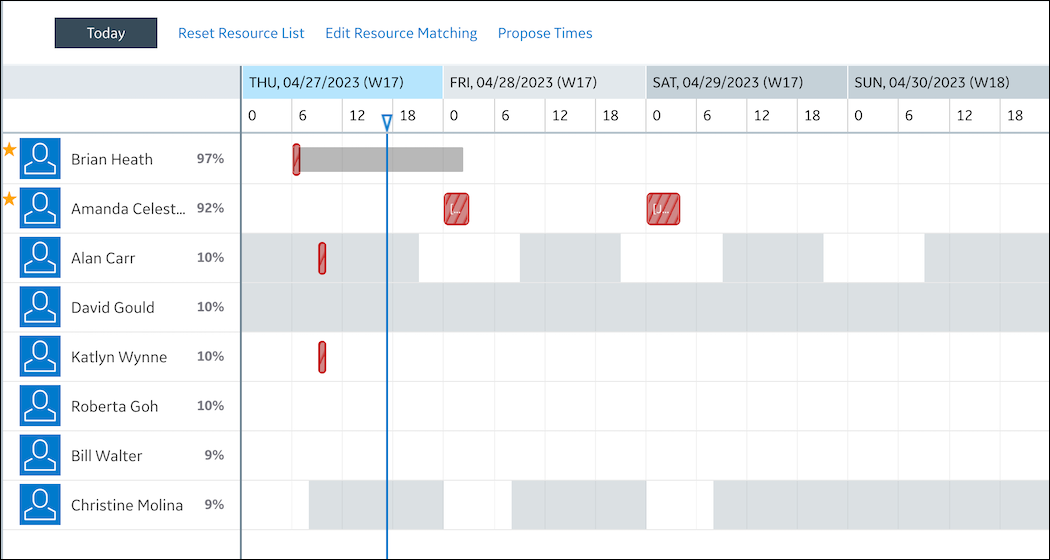
When disabled, all recommended Resources appear in the same list and are not grouped by Service Teams or Territories. Starred Resources appear at the top of the list. Resources that have the same starred state are sorted by score in reverse descending order.
 |
Recommended Resources with identical scores are sorted by Resource name in alphabetical order.
|
To configure recommended Resource grouping:
1. In Max Designer, on the Administration ( ) launchpad menu, click Settings, and then in the list view, click Group Recommended Resources.
) launchpad menu, click Settings, and then in the list view, click Group Recommended Resources.2. On the record page, on the Overview tab, clear the Default Value check box, and then in the top left corner, click Save and Close ( ).
).
).For more information: