Generating a Service Report
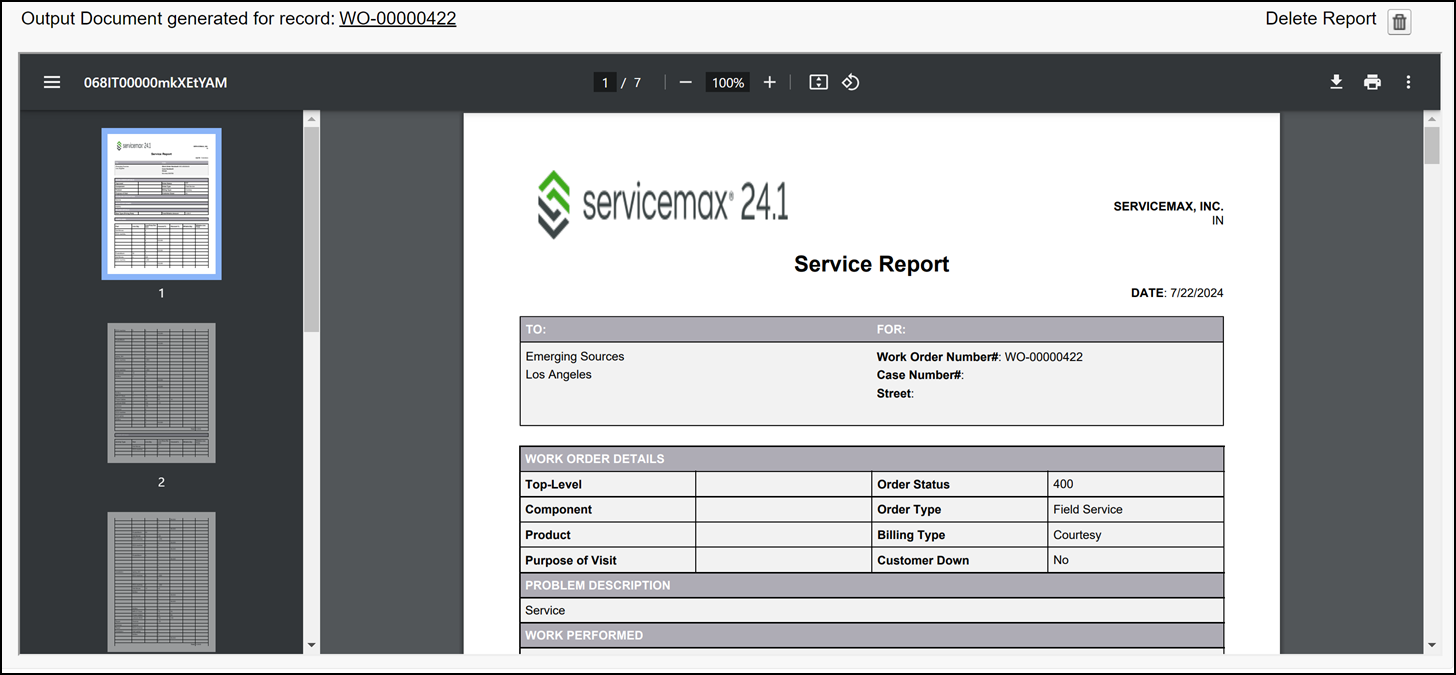
After de-briefing a Work Order, the technician can generate a report or invoice of the services provided. The report includes company name, company logo, Work Order details such as Work Performed, Billing Type, and Total Billable Amount, Work Detail information such as Parts and Labor consumed, and so on.
To generate a service report:
1. From the Home page, Open a Work Order record.
2. Click Generate Work Order Service Report SFM. The Service Report page is displayed.
3. Click Save to generate the PDF file.
Related Topics