Enabling Profile Level Fields
You must enable the following Profile-level fields to launch the Dispatch Console.
1. Navigate to > .
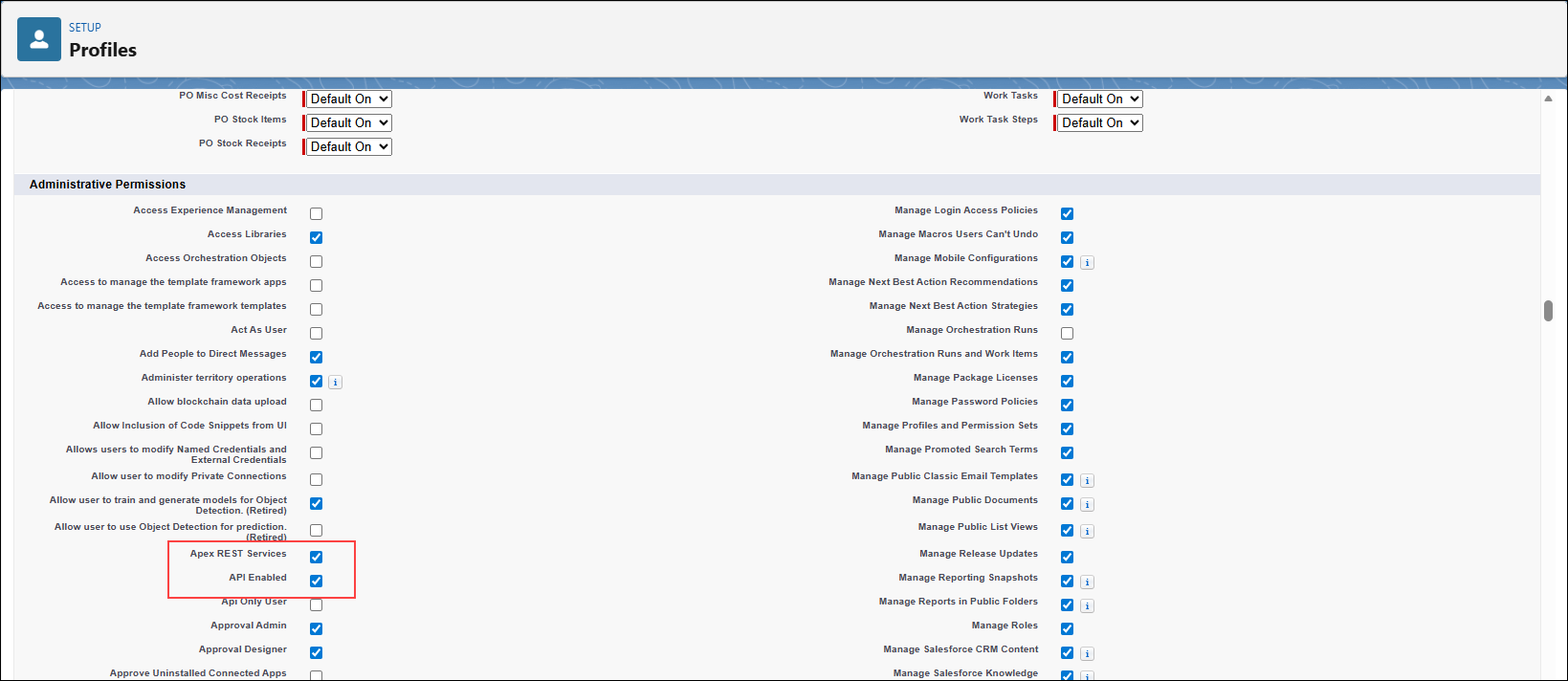
2. Click Edit for the profile you want to enable the fields.
3. In the Administrative Permissions section, enable the following fields.
◦ Apex REST Services
◦ API Enabled
4. Click Save.