Viewing Single Resource and Crew Routes
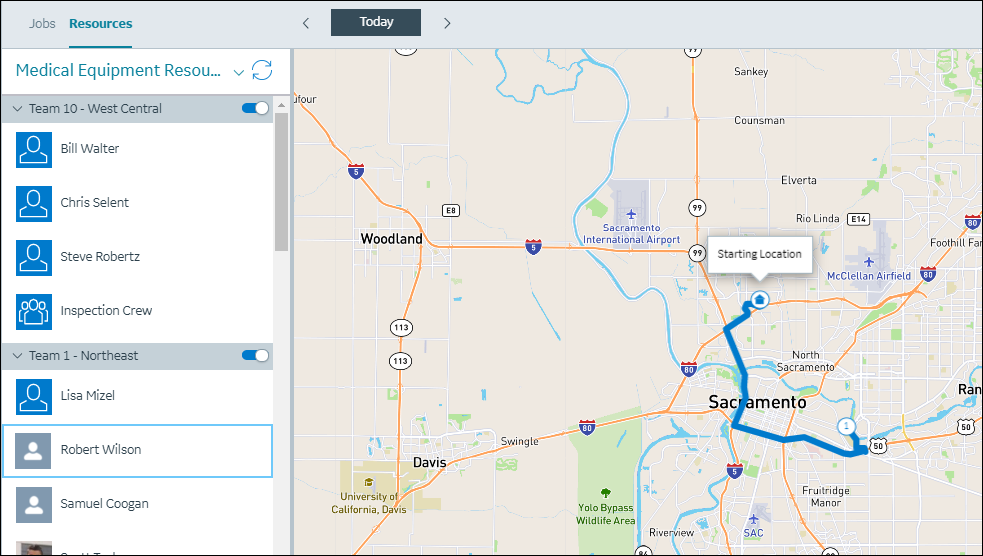
On the Map tab, on the Map Toolbar, you can click Show Route ( ) to view the current day's route for a selected Resource on the Map. Routing is shown for the first Appointment date that appears for the selected Resource in the Scheduler Calendar.
) to view the current day's route for a selected Resource on the Map. Routing is shown for the first Appointment date that appears for the selected Resource in the Scheduler Calendar.On the Resources subtab, on the Map Resource List, when you select Resources and click the Show Route icon, routes are plotted from the default location for the selected Resource, and all Appointments and Events for the current day are included in the route.
 |
Appointments or Events scheduled during nonworking hours are not included in routes. For Appointments or Events that are missing address information, the Job address is used. If Job address information is missing, associated Appointments or Events are not included in routes. Appointments and Events scheduled for overnight Shifts are included in routes on starting days for those Shifts. Canceled or rejected Appointments are not included in routes.
|
Routes are initially shown in blue, and route indicators change to gray when Appointment or Event status changes to Finished or Incomplete states.
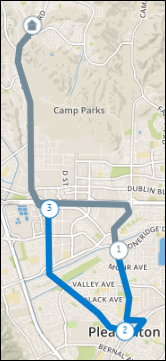
Appointments and Events are shown as stops along routes, and are marked with sequentially numbered icons, You can click these icons to view Job and account names and start and end times for Appointments and Events.
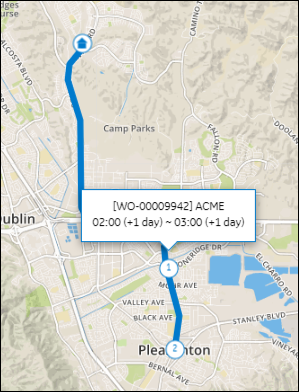
You can click the home location icons for Resources to show associated starting locations. Travel times for first Appointments in a day are calculated from default locations for selected Resources, and travel times for subsequent Appointments are calculated based on previous Appointment locations.
|
|
Travel times are not calculated for Appointments that are not scheduled within Shifts, or that overlap previous or subsequent Appointments. Current location data is not used to calculate travel time.
|
For Crews, Crew Leader Appointments and Crew Leader Events appear on routes. Trip Data appears on the slide panel for each travel segment, and includes distance and time information. You can click Update to update the current Crew Leader location. When you select a different date and time zone, or click Today, Previous ( ), or Next (
 ), routes change accordingly.
), or Next (), routes change accordingly.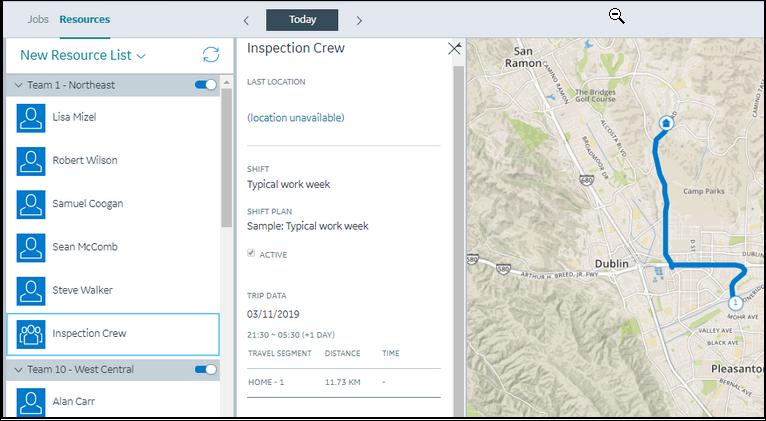
|
|
If no Crew Leader is available for the current day, a validation message appears and states that the route cannot be displayed because no Crew Leader is specified.
|
For more information: