Configuring System Settings
To configure system settings:
1. Launch Max Admin, and then on the System Management ( ) launchpad menu, click System Settings.
) launchpad menu, click System Settings.2. In the list view, click the record you want to modify.
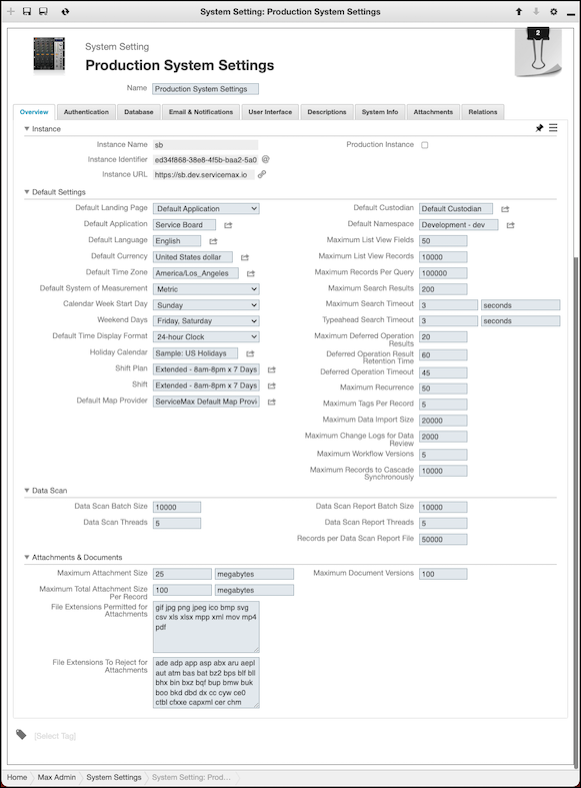
 |
Only one System Setting record can be active in a Service Board tenant instance. When you select the Active check box on the System Info tab in a System Setting record that is not active on the current instance and save the change, the previously active record is automatically set to inactive.
|
3. On the record page, modify settings as needed, and then click Save and Close ( ).
).
).For more information: