Configuring Push Notification Intervals
To configure push notification intervals:
1. Launch Max Admin, and then on the System Management ( ) launchpad menu, click System Jobs.
) launchpad menu, click System Jobs.2. In the list view, click Send Batched Push Notifications.
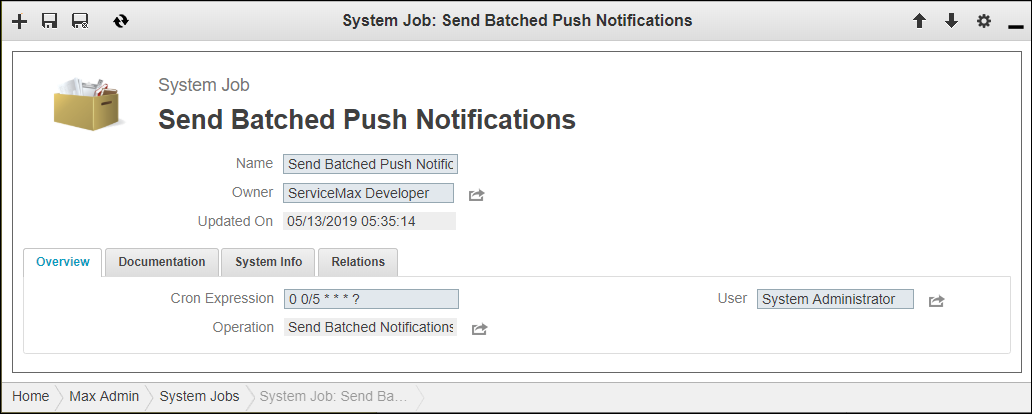
3. On the System Job page, on the Overview tab, in the Cron Expression field, modify the expression as needed, and then in the top left corner, click Save and Close ( ).
).
).
 |
To view detailed information on Cron expression syntax, click the Cron Expression field label.
|
For more information: