Configuring Job and Appointment Cancellation
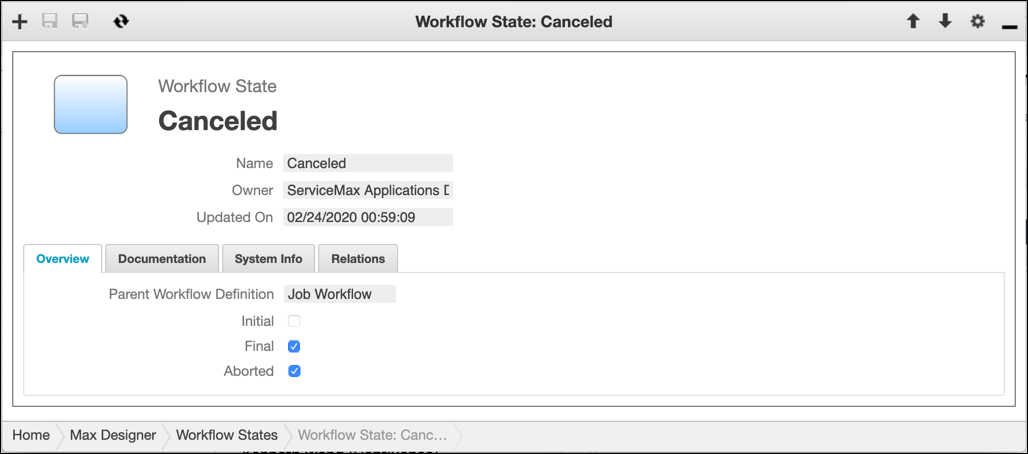
In Workflow State records, you can set the Aborted field so that when the relevant workflow terminates early, the end state is Cancelled. For example, this functionality can be helpful for large complex projects with many tasks and technicians that are subject to change orders and schedule conflicts.
To configure Job and Appointment cancellation:
1. In Max Designer, on the Process Management ( ) launchpad menu, expand the Workflow section and click Workflow States, and then in the list view, open the Workflow State record for the workflow definition and end workflow state you want to configure.
) launchpad menu, expand the Workflow section and click Workflow States, and then in the list view, open the Workflow State record for the workflow definition and end workflow state you want to configure.2. On the record page, on the Overview tab, select the Aborted check box, and then in the top left corner, click Save and Close( ).
).
).
3. On the Development Actions ( ) launchpad menu, click Synchronize.
) launchpad menu, click Synchronize.For more information: