Header Sections
SFM Lightning Delivery
The Parent/Header Object Sections denote the header objects. In this section, you can configure a group of header object fields and rearrange them as per the preference of order. You can edit various fields in the header section.
To access the header section:
1. Open any record.
2. Launch an SFM.
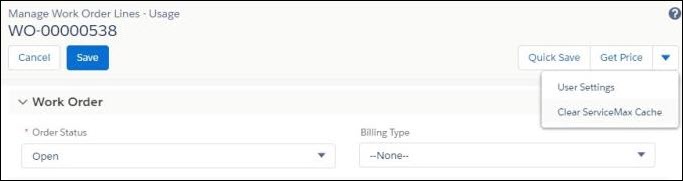
3. Edit any fields in the header section. The following screen displays the header section of an SFM.
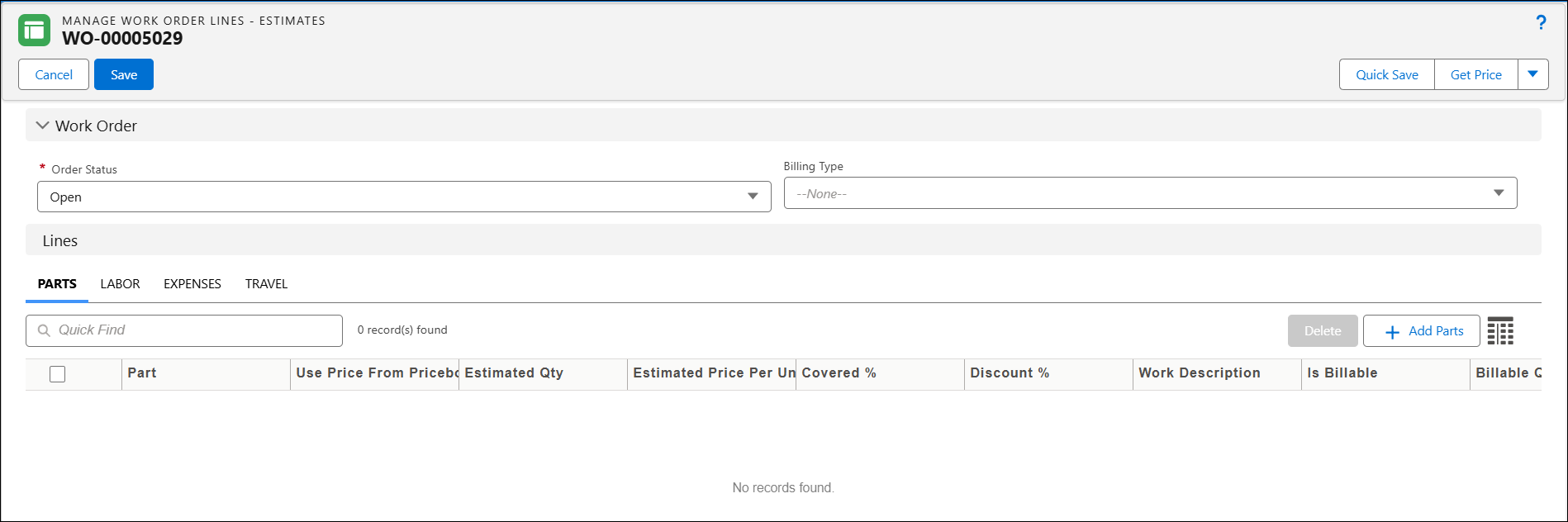
4. Click Save.
The various actions/features in the header section are described in the following table:
|
Actions/Features
|
Behavior
|
||
|---|---|---|---|
|
Tab Order
|
The tab order is always top-to-bottom within a section.
|
||
|
Tab Key
|
The tab keys can be used to navigate through all the fields in the header section.
|
||
|
Text Fields
|
The Text fields are expandable by dragging the bottom right corner of the text box. The UI displays the first three lines of text for the text area and long text area fields. Adding extra rows allows you to scroll through the text.
|
||
|
Loading spinner
|
The loading spinner is displayed for Save, Quick Save actions, and on loading an SFM.
|
||
|
Tab style objects
|
The tab-style object logos like Work Order, Location, and Installed Product are displayed next to the object name in the header section.
|
||
|
Linked SFM
|
The names of the processes are displayed in the order in which the linked SFM process is invoked. For example, Manage Word Order Lines - Usage > Add Work Details.
|
||
|
Hide Section Title
|
The compact SFM Delivery form can be viewed with all fields on the page load if the "Hide Section Title" toggle button is enabled. If the "Hide Section Title" toggle button is disabled, header section titles are also displayed.
|

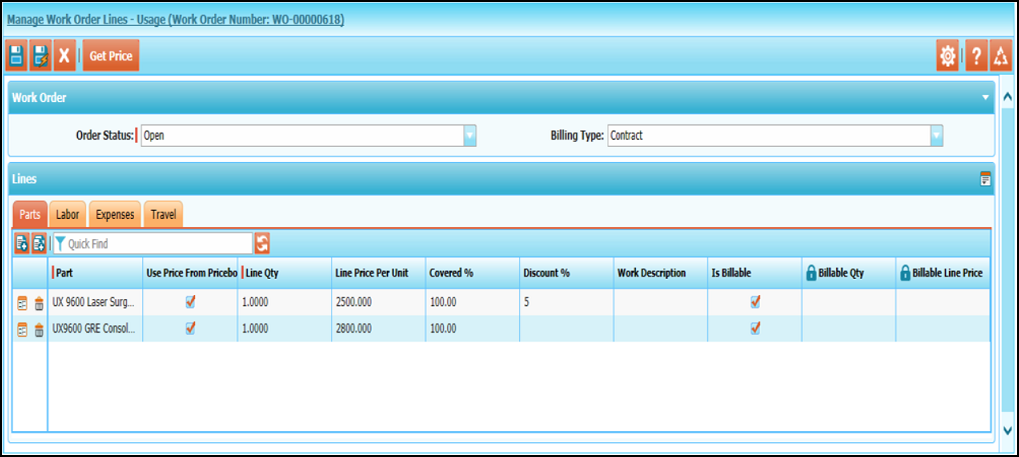
Classic Theme
The following aspects apply to all the header sections:
• The tab order is always top-to-bottom within a section.
• Long text fields display five visible lines to enter data. This size is fixed and is not configurable. As the longer text is entered, vertical auto-scrolling happens.
Lightning Theme
The following aspects apply to all the header sections:
• The tab order is always top-to-bottom within a section.
• Text fields are expandable by dragging the bottom right corner of the text box.
• The loading spinner ( ) is displayed for Save, Quick Save, and while loading an SFM.
• The tab-style object logos (such as Work Order, Location, and Installed Product) appear next to the object name in the header section. The theme of the logo will be as per your Salesforce setting - Lightning or Classic.
• The names of the SFM processes are displayed in the order in which you invoke a linked SFM process. For example, Manage Word Order Lines - Usage > Add Work Details.