Getting Started with Installed Base App
Installed Base App integration is disabled by default in the app, and needs to be enabled by your ServiceMax admin. Group-wide setting SET001 (Module: Installed Base App; Submodule: General) controls this. To enable the Installed Base app, you must set the value of this setting to True for the required ServiceMax group profile.
After enabling the Installed Base App on the server, perform a Reset App in the app to download related configurations, metadata, and records for the first time.
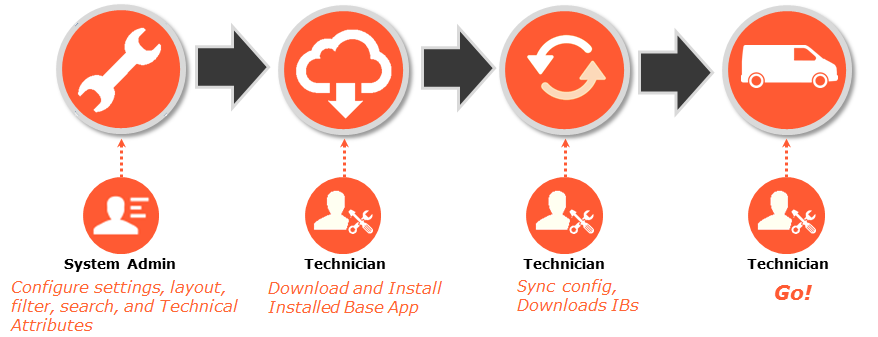
To get started with Installed Base App you must understand a few simple steps as shown in the following screen: