Generating Delivery Output from FCO Results
In the FCO Console page, the Ready to Generate Output screen allows you to view the expected number of Work Orders, Cases, and RMA/Shipment records generated from your FCO Search Results.
To generate the delivery output from the FCO Search Result Lines:
1. Finalize the lines in the FCO Search Results list from the Search Results screen.
2. Click the Next: Confirm Results.The Ready to Generate Delivery Output screen is displayed:
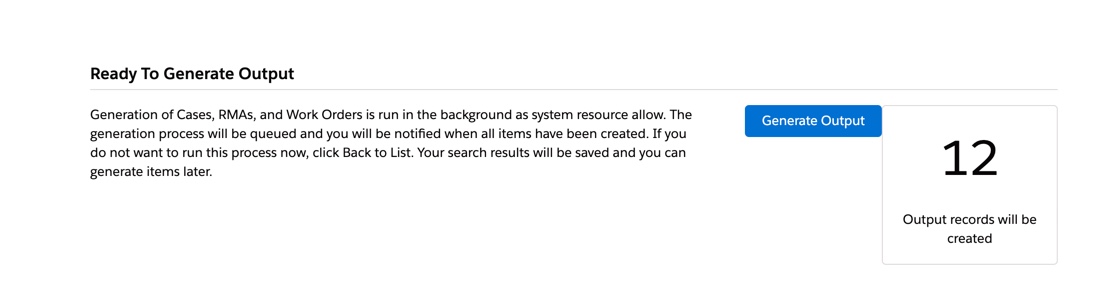
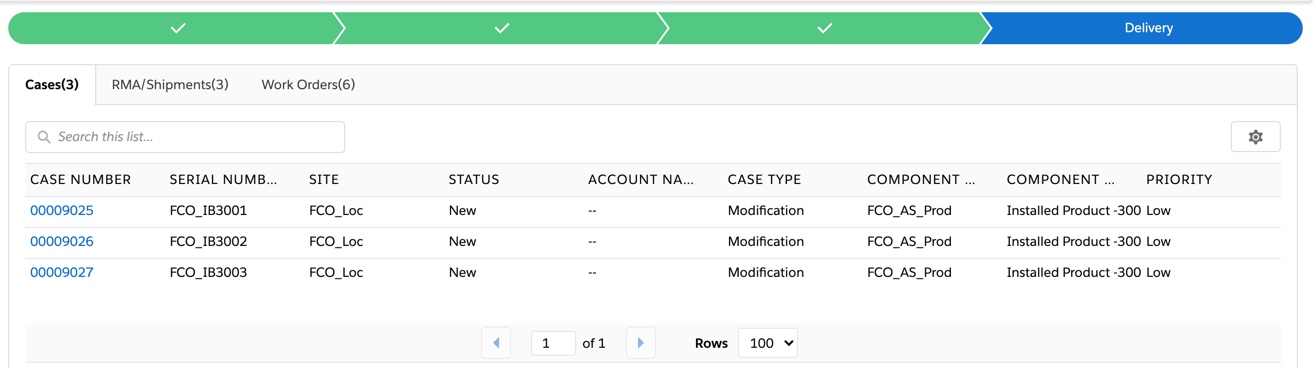
3. Click Generate Output.The FCO Output Generation process is in a queue. The process runs in the background when the org resources are available. After the output generation process is complete, the Output Delivery screen displays a list of the generated Work Orders, Cases, and RMA/Shipment records separated into sub-tabs.
 |
If the expected results in the Ready to Generate Output screen are incorrect, you can navigate to the Search Resultsscreen and make the necessary changes to your FCO Results List. After making the changes, click Next: Confirm Results.
|
|
|
• You can exit from the FCO Creation Wizard at this time. However, if you want to continue in the FCO Creation Wizard, you can check the status of the Output Generation as output records are created in the backend. The status indicates the generation of output records is complete for the given FCO.
• During the Work Order Generation process, checks are made to ignore all the FCO lines associated with Installed Base records to which the user does not have access.
|